 Capyzeno
Magic World and Micro Worlds
Turn drawings into animated characters, choose scenes and actions, then explore destinations together with scenery and weather controls.
 WigglePop · iPhone & iPad
Kids drawing · Coloring · Animation
WigglePop is a kids drawing and coloring app for ages 4–10. Start with a blank canvas or a template, add stickers, then watch the artwork jump, dance and wiggle in Magic World.
How it works
The drawing stays at the center of the experience. Children create first, then bring that exact artwork into a playful animated scene.
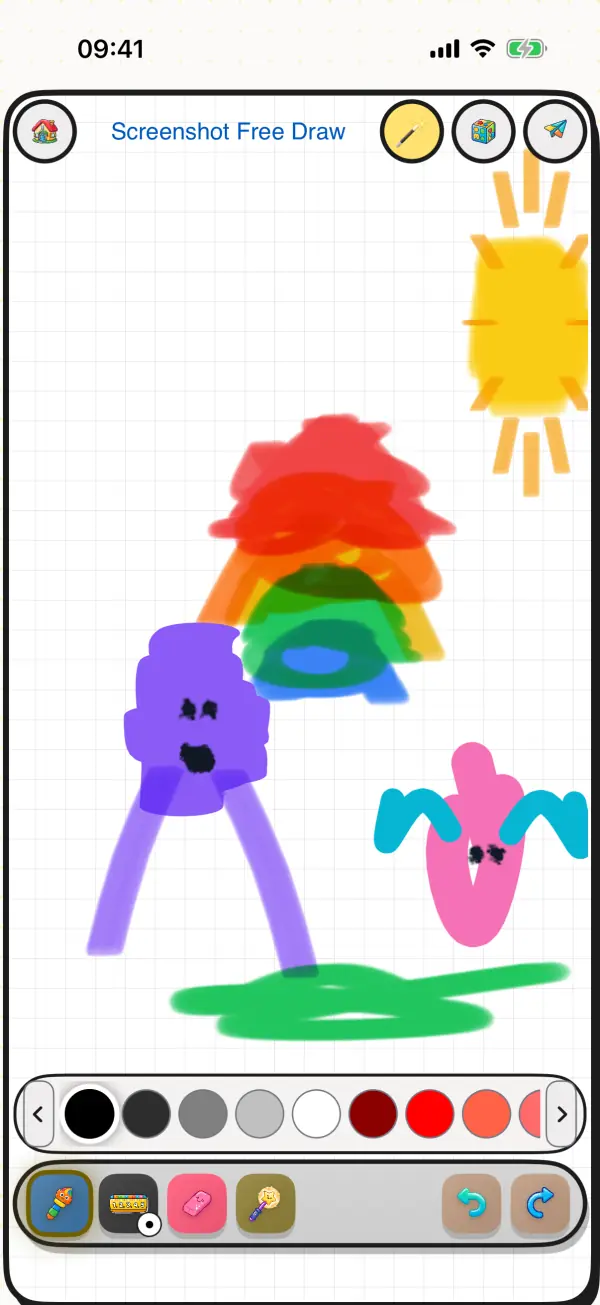
Use pencils, watercolors, oil-paint brushes and fill tools on a blank canvas, or choose from more than 35 friendly templates.
Add colors, stickers and effects. Every creation can be saved in the child's gallery for another play session.
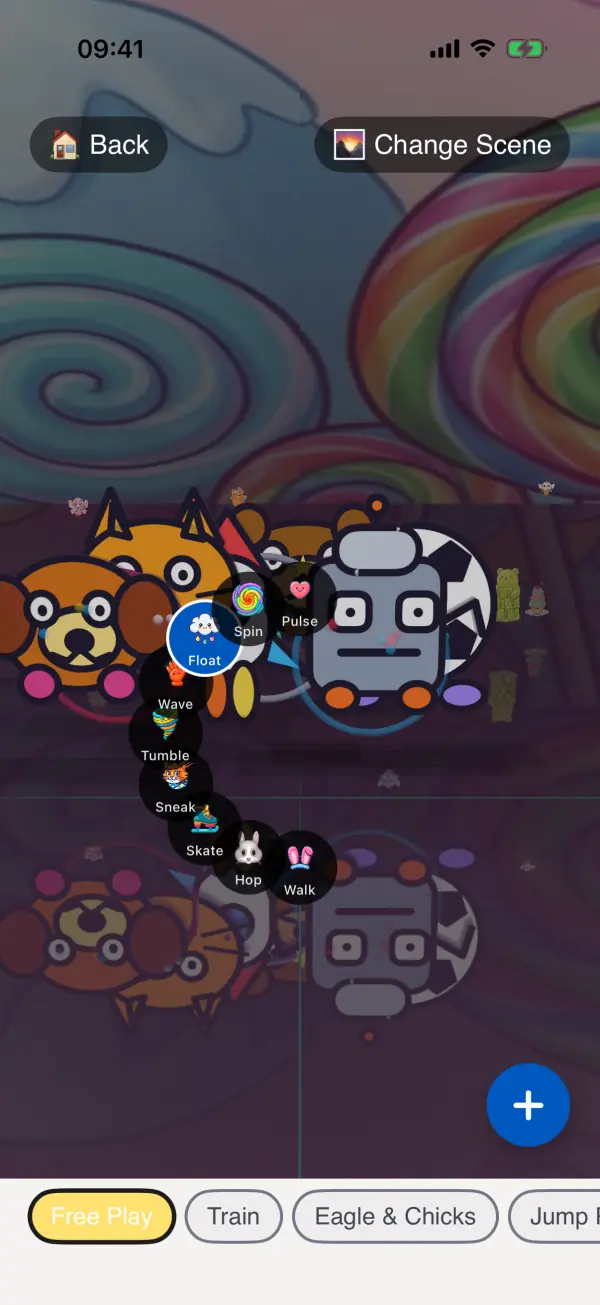
Send the artwork to Magic World and choose actions such as walking, hopping, floating or spinning—no camera or upload required.
Inside the app
Turn drawings into animated characters, choose scenes and actions, then explore destinations together with scenery and weather controls.
Use the optional AR Tracing mode to place a template over real paper and guide a child through drawing with their own pencils.
Revisit saved creations instead of starting over. Free users can try the complete draw-to-animation experience with up to five saved artworks.
Pro adds unlimited creations, premium collections, 4K export and optional cloud sync. Monthly, yearly and lifetime choices are shown in the app.
For parents
No third-party ads. Core creative play works offline. Parent Mode manages time limits, purchases, sharing and external links, so children can focus on making things.
Drawings do not need to leave the device to animate. Optional Pro cloud sync and parent-initiated sharing are separate choices.
FAQ
WigglePop is designed for children ages 4–10. Adults can start with a template, choose tools and set appropriate time limits.
Core drawing, coloring and Magic World play work offline. Optional Pro cloud sync requires an internet connection.
No. Magic World uses the drawing made inside the app. AR Tracing is a separate optional mode for drawing on real paper.
Yes. The free version includes the complete draw-to-animation flow with up to five saved artworks. Pro unlocks additional capacity and content.
Start with a doodle, a coloring page or a brand-new character.