 Capyzeno
Bilingual reading without window switching
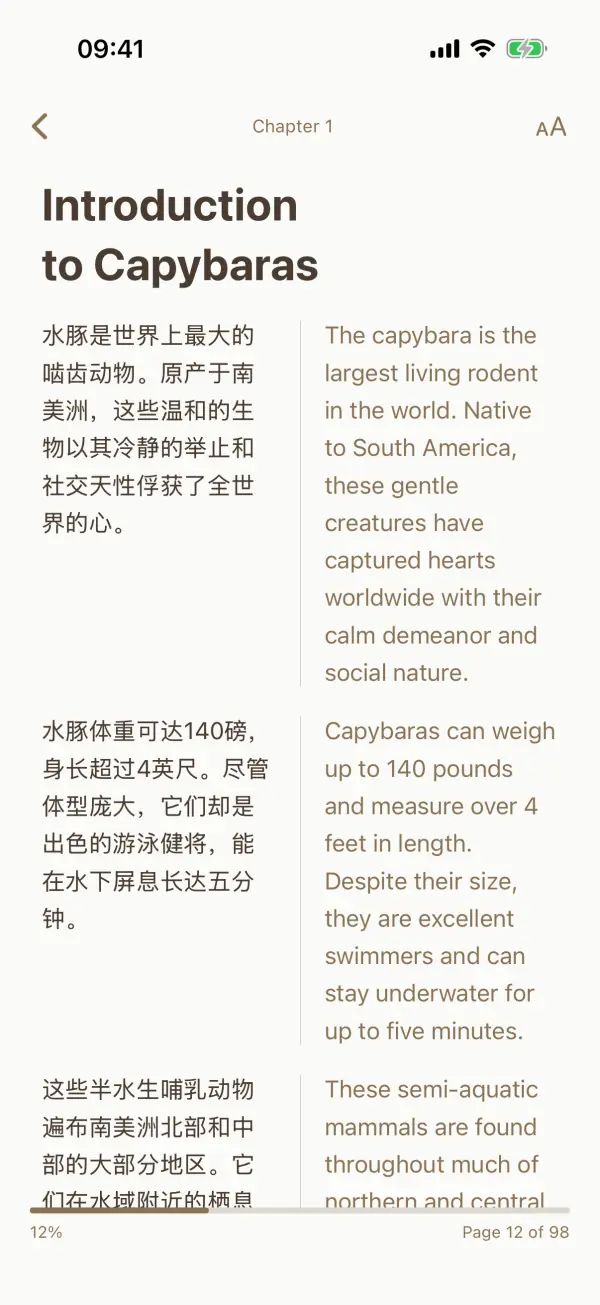
Compare original and translated sentences directly in the reading view, with themes and font settings for long sessions.
 FusionRead · iPhone & iPad
Bilingual reader · Translation · Vocabulary
FusionRead is an EPUB and PDF reader for language learners and curious readers. Translate supported documents, compare the original and translation, save new words and keep your reading progress in one place.
How it works
Keep the source text close to its translation, so unfamiliar passages become easier to follow without leaving the book.
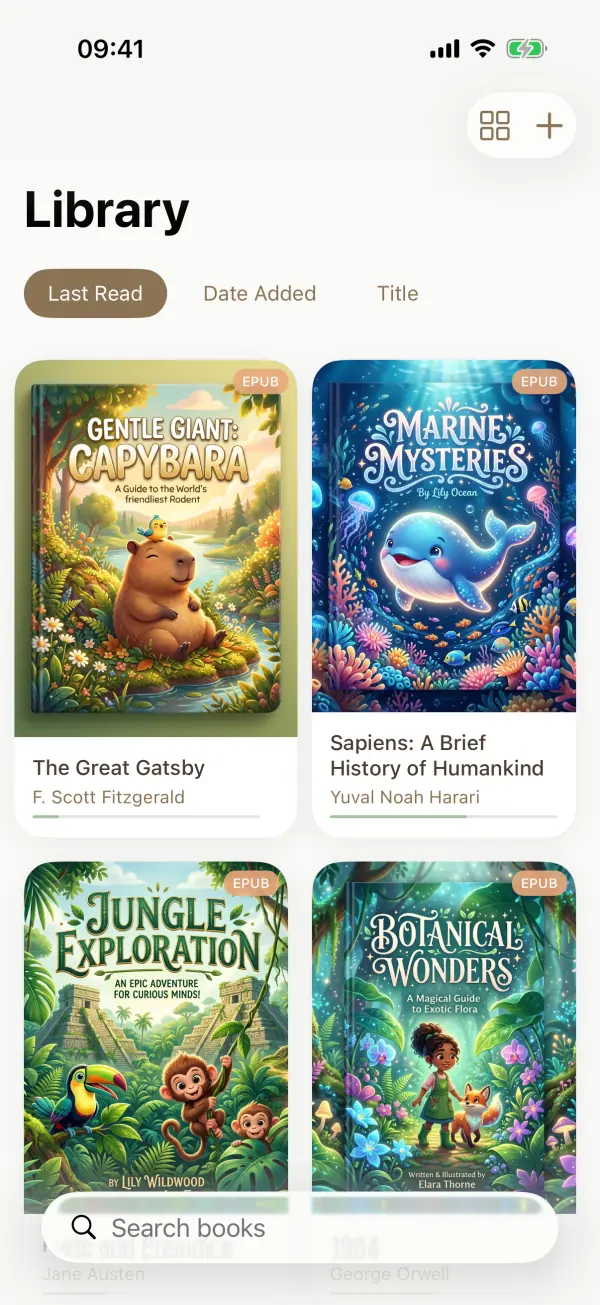
Open EPUB and PDF books, or use “Read with FusionRead” in the share sheet from Files, Mail, Safari and other apps.
Read the original, follow sentence-level translation, or place two languages side by side in split view.
Save vocabulary for review, revisit bookmarks and notes, and use reading statistics to see your recent activity.
Inside the app
Compare original and translated sentences directly in the reading view, with themes and font settings for long sessions.
Open Markdown, TXT, HTML, JSON, YAML, CSV, TSV, XML and LOG files, with translation and bilingual modes for supported documents.
Build a personal vocabulary list, review words with spaced repetition and follow reading activity in the statistics dashboard.
Save supported academic or web content for bilingual reading. Imported documents can remain available for offline reading after processing.
Privacy & continuity
Reading data is stored locally, with iCloud sync available for continuing across your devices. Translation uses on-device processing when supported by iOS and the selected languages.
Web imports require access to the source page. Translation availability and offline behavior depend on the document, iOS version and installed language support.
FAQ
FusionRead opens EPUB, PDF, Markdown, TXT, HTML, JSON, YAML, CSV, TSV, XML and LOG files. Reading and translation options can vary by document type.
Yes. Supported documents can show sentence-level bilingual text or a side-by-side split view, depending on the reading mode and device.
Translation uses on-device processing when the required iOS language support is available. Web imports and language downloads may require an internet connection.
FusionRead includes iCloud sync for supported library and reading data. The same Apple ID and available iCloud storage are required.
Read foreign-language books, papers and documents at your own pace.